The Anatomy of a Perfect Day Sheet
A great day sheet is the difference between a smooth show day and total chaos. Here's exactly what to include and how to structure it.

tour-flow Team
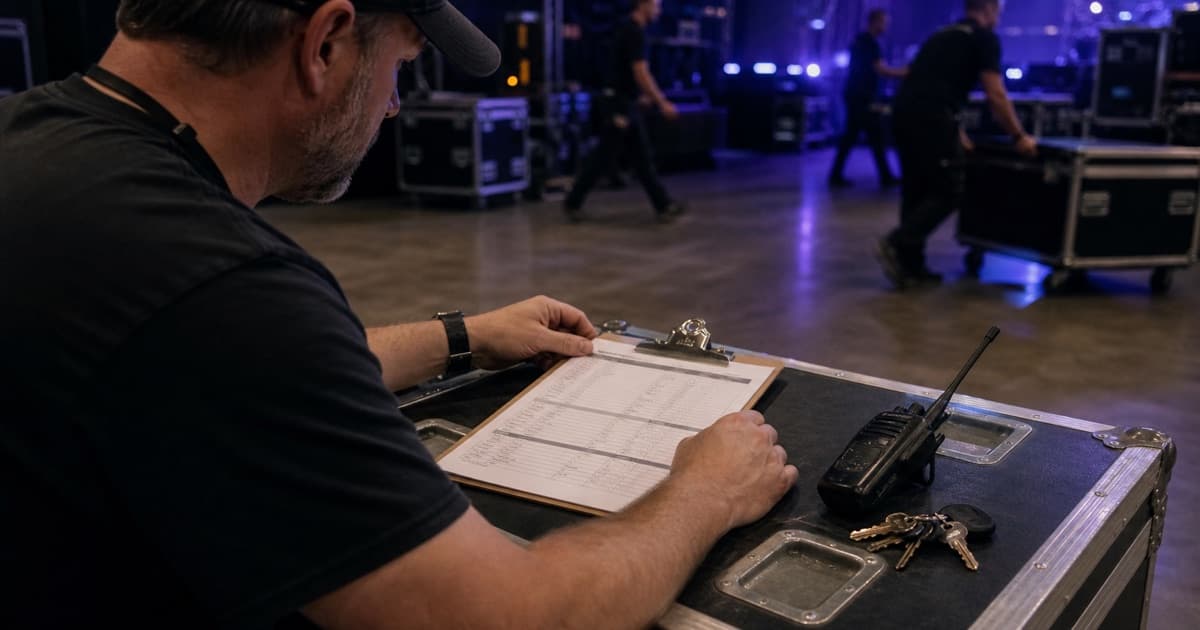
Ask any experienced touring professional what the most important document on a tour is, and most will say the same thing: the day sheet.
It's the single page (or screen) that tells everyone on the crew what's happening today. When it's done right, people know where to be, when to be there, and who to call if something goes wrong. When it's done poorly — or not at all — you spend the entire day answering the same questions over and over.
What Makes a Great Day Sheet
A great day sheet has three qualities:
- Complete — it answers every question a crew member might have about the day
- Scannable — the most critical information is immediately visible
- Current — it reflects the latest changes, not yesterday's plan
Let's break down each section.
Section 1: The Header
The header should be glanceable. At minimum:
- Tour name / Artist
- Date (day of week + full date)
- Show number (e.g., "Show 14 of 32")
- City and Venue
- Venue address
Some tour managers also include weather and sunrise/sunset times for outdoor shows.
Section 2: The Schedule
The heart of every day sheet. Structure it chronologically:
| Time | Activity |
|---|---|
| 08:00 | Bus call / Lobby call |
| 09:00 | Depart hotel |
| 10:00 | Arrive venue |
| 10:00 | Load-in begins |
| 12:00 | Lunch |
| 14:00 | Soundcheck |
| 15:00 | Meet & Greet |
| 17:00 | Doors |
| 18:00 | Support act |
| 19:30 | Changeover |
| 20:00 | Headliner |
| 22:00 | Curfew |
| 22:15 | Load-out begins |
| 00:00 | Bus departs |
Pro tips:
- Use 24-hour time to avoid AM/PM confusion across time zones
- Bold or highlight the most important times (doors, show, curfew)
- Note time zone if crossing boundaries
- Include buffer time — things always run late
Section 3: Venue Information
Everything the crew needs to know about today's venue:
- Venue name and capacity
- Address (with a map link for mobile)
- Load-in location (often different from the front entrance)
- Parking — truck/bus parking specifics
- Power — available circuits, distro location
- Stage dimensions
- Curfew — hard or soft, and consequences
- WiFi — network name and password (your crew will love you for this)
Section 4: Contacts
Key contacts for the day:
- Venue Production Manager — name + phone
- Promoter Rep — name + phone
- Local Security Chief — name + phone
- Hotel front desk — phone number
- Emergency — local hospital address + phone, police non-emergency
Don't assume people have these numbers. Put them on the day sheet every time.
Section 5: Accommodation
- Hotel name and address
- Check-in time
- Room list or "see tour manager for room assignments"
- Breakfast — included? What time? Where?
- Checkout time (if staying another night, note "no checkout")
For bus tours, note the bus call time and departure time clearly.
Section 6: Travel
If there's travel involved in the day:
- Departure point and time
- Mode of transport (bus, fly, drive)
- ETA at venue or hotel
- Drive distance and duration
- For flights: airline, flight number, terminal, boarding time
Section 7: Catering & Hospitality
- Breakfast — time and location
- Lunch — time and location
- Dinner — time and location (or buyout amount)
- Dressing rooms — locations for artist and crew
- Showers — available? Where?
- Laundry — available? Cost?
Section 8: Notes
The catch-all for anything that doesn't fit elsewhere:
- Special requests or rider items
- Press or media obligations
- Guest list notes
- Merchandise setup details
- Any venue-specific quirks ("load-in through the kitchen," "no parking before 9 AM")
- Weather alerts for outdoor events
Distribution and Timing
When to Send
- Night before: Send the initial day sheet by 10 PM the night before
- Morning of: Send an updated version by 7 AM if anything changed
- At load-in: Have printed copies available at the production office
How to Send
- Digital: Push to your crew's mobile devices via your tour management platform
- Print: Post in the production office, on the bus, and in the dressing room
- Briefing: Walk through the key points at the top of load-in
Updates
Things change. When they do:
- Update the digital version immediately
- Clearly mark what changed (highlight or note "UPDATED")
- Verbally communicate critical changes to affected departments
- Don't just update silently — make sure people know to re-check
Common Mistakes
Too Much Information
A day sheet that's three pages long won't get read. Keep it to one page (or one screen). Put detailed technical specs, input lists, and rider details in separate documents.
Missing Contact Information
Every day sheet should have phone numbers for the key venue and local contacts. Don't assume people have them from the advance.
Not Accounting for Time Zones
When crossing time zones, be explicit. "All times local" or note the time zone. A crew member waking up in a new time zone at 6 AM doesn't need the confusion.
Static PDFs
A PDF is outdated the moment you send it. Use a system that allows real-time updates and push notifications when the day sheet changes.
Build Live Day Sheets With tour-flow
tour-flow connects event schedules, venue details, crew contacts, travel, documents, and real-time updates in one show-day record. When a call time changes, the crew can return to the same current source instead of searching for a replacement PDF.
Keep the entire crew aligned from load-in to departure. Build your next day sheet in tour-flow
More Articles
10 Tour Management Best Practices Every Tour Manager Should Know
From crew coordination to day-of logistics, here are the essential best practices that separate good tour managers from great ones.
January 28, 2026
Crew Coordination on Tour: How to Keep 30 People in Sync
Managing a touring crew means juggling schedules, contacts, roles, and communication across cities. Here's how to do it without losing your mind.
February 5, 2026